

Can adding more pictures increase seo? image seo best practices for faster pages and higher rankings
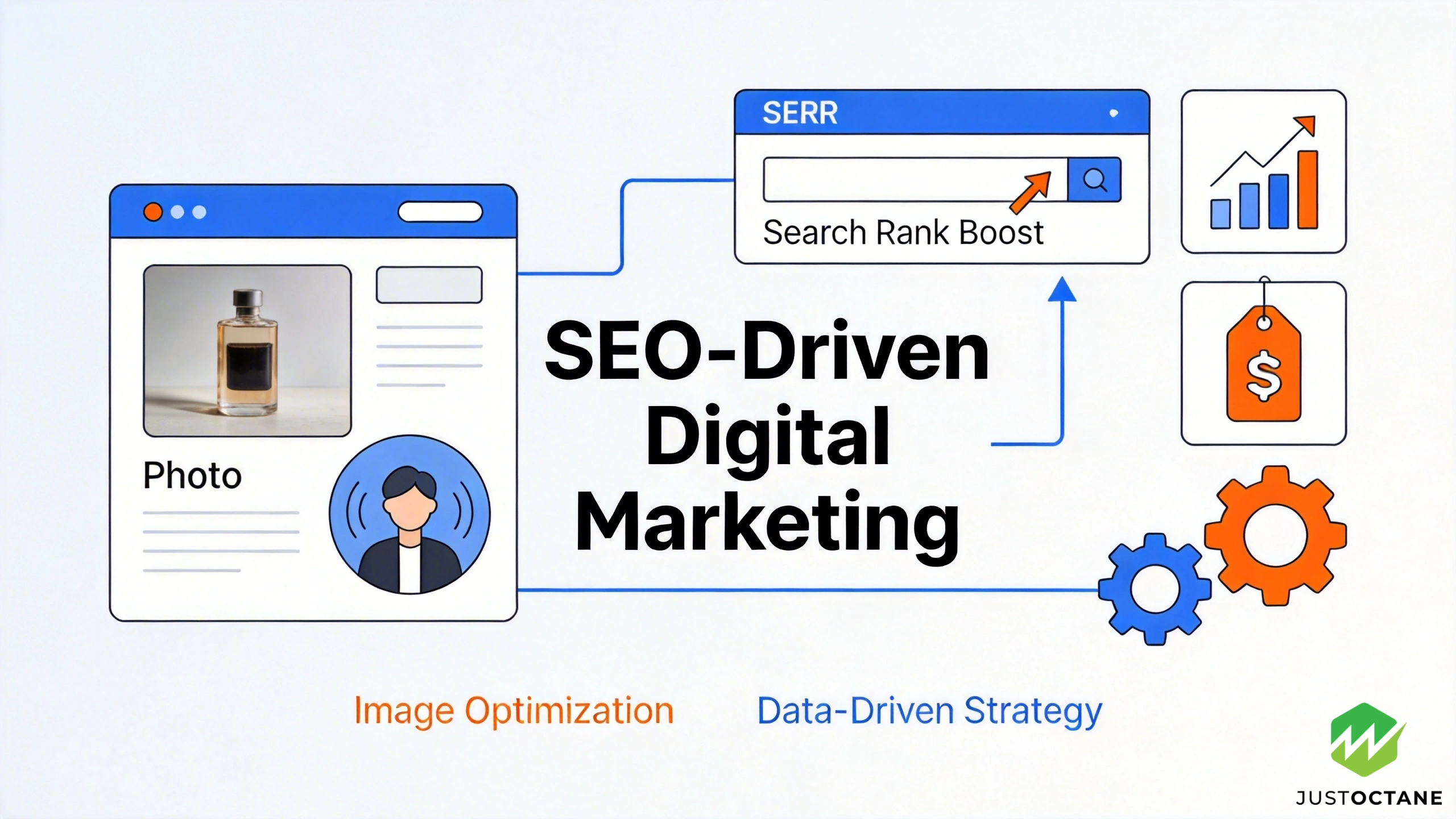
Yes adding more pictures can increase SEO when the images support the page topic, improve user experience, and don’t hurt page speed. Below is a practical, technical, and content-focused guide you can use on any website or blog post to earn better search results, more organic traffic, and stronger performance in Google search.
Contents
- 1 Do more pictures increase SEO (and when does it backfire)?
- 2 How important images are for modern SEO
- 3 How search engines interpret an image
- 4 Performance: page speed, site speed, and Core Web Vitals
- 5 Advanced image SEO wins most articles miss
- 6 Strategy: adding images without creating SEO problems
- 7 A short image SEO checklist you can use today
- 8 Need an effective SEO strategy that includes images?
- 9 Five research-backed SEO questions & answers
- 9.1 1. How does page speed affect rankings and user behavior?
- 9.2 2. Do backlinks still matter, and which kinds help the most?
- 9.3 3. Does structured data (schema) improve click-through rates?
- 9.4 4. How does mobile-first indexing change what you should optimize?
- 9.5 5. Is switching to HTTPS worth it for SEO and user trust?
Do more pictures increase SEO (and when does it backfire)?
Can adding more pictures help? In many cases, yes. But “more” only works when pictures increase SEO by making content clearer for users and easier for search engines to understand. If images slow the site, add duplicate content, or distract from the text, rankings can drop.
The goal isn’t to decorate a page it’s to achieve higher rankings by improving relevance, clarity, and speed.
A simple rule: add one image for each key idea on the page, then measure load time, engagement, and conversion. Images perform better when they’re relevant, high quality, and properly optimized.
How important images are for modern SEO
How important images are depends on intent. On “how-to” pages, visuals reduce confusion and save time. On product and service pages, imagery builds trust and can help boost organic clicks from the right users. On long-form content marketing, visual content can improve dwell time, make the post easier to scan, and increase the chance of earning links and social media shares.
This is why important images SEO work is less about uploading more files and more about choosing the right image for the user, on the right page, at the right moment.
How search engines interpret an image
How search engines “read” images is a mix of context and code. Search engines use the surrounding text, headings, and internal link context, plus the HTML image element and its attribute signals, to connect an image to the query.
Start with the basics: descriptive file names, accurate alt text, and captions when they add clarity. Alt text helps search engines connect visuals to the page topic, and file names help search engines understand what the file is about before it even loads.
For Google’s own image guidance and technical requirements, see developers.google.com.
Optimizing for google image search can expand your reach beyond standard search results, especially when your pages earn image search results placements.
For responsive images, use the srcset attribute and size-based rules so one image can serve multiple users on mobile and desktop without wasting bandwidth.
If an image fails to load alt text should still communicate the meaning, especially for accessibility and for users on slow connections.
Finally, add structured data where it fits (for example, Product or ImageObject) so Google can connect images to rich features beyond standard web results.
Performance: page speed, site speed, and Core Web Vitals
Images are often the biggest files on a website, so speed is where image SEO wins or loses. Prioritize page speed and site speed by shipping optimized images, selecting the right format (JPG/JPEG for photos, PNG format for simple transparency, and WebP/AVIF when supported), and compressing aggressively without damaging quality.
Core Web Vitals matter here. Your LCP image should be properly sized, preloaded when needed, and not blocked by heavy scripts. Reserve width and height to reduce layout shift, and avoid “carousel bloat” that hurts performance on mobile.
Lazy loading is useful for below-the-fold media, but be careful with hero visuals implement lazy loading only when it won’t delay the main image that users need immediately.
Advanced image SEO wins most articles miss
If your content already has the basics (file names, alt text, and optimized images), the next lift usually comes from engineering. Make your primary visual stable and fast: set width/height and a CSS aspect ratio to prevent layout shift, and prioritize the hero with fetchpriority or a preload so the browser downloads it early.
Next, treat images like a delivery system, not a one-off upload. Generate multiple sizes, serve them through a CDN with long-lived caching, and convert automatically to modern formats (WebP/AVIF). This reduces bandwidth, improves page speed, and protects Core Web Vitals across mobile users.
Finally, create visuals competitors can’t copy original screenshots, diagrams, and product photos with clear licensing notes. Combined with Search Console checks for indexing and broken URLs, this approach turns “adding” into a repeatable growth process.
Strategy: adding images without creating SEO problems
Adding images can improve SEO, but “more” is not a ranking factor by itself. The ranking factor is the total page value useful content, strong UX, and fast load behavior. Adding too many stock photos, repeating the same image across posts, or publishing visuals used multiple websites can dilute originality and reduce trust.
Using one image across a series isn’t automatically bad; it can be fine for a recurring post template. Just consider updating file names and alt text so each image matches the specific page and keyword intent.
When uploading images website teams should standardize compression, naming, and alt text so every new post stays consistent.
Also consider where images live in the layout: place a visual near the text it supports, and don’t bury critical screenshots behind tabs that users never see.
A short image SEO checklist you can use today
- Answer the intent first with text, then add images that make content more engaging.
- Use descriptive file names and write alt text that describes the image and the page context.
- Ship responsive images with the srcset attribute, plus width/height to protect Core Web Vitals.
- Improve seo by keeping page speed high: compress, choose the right format, and monitor performance.
- Use structured data where relevant and watch image search results in Search Console.
- Avoid duplicate content: reuse visuals intentionally, not by accident.
Need an effective SEO strategy that includes images?
JustOctane is an SEO company built for execution: technical fixes, content upgrades, and measurable growth. If your site is adding more pictures but rankings aren’t moving, we’ll audit what Google can actually crawl, what users actually engage with, and what’s limiting performance from image optimization and Core Web Vitals to on-page content and internal link structure.
If you want images SEO done the right way (without slowing your website), talk to JustOctane about SEO services that turn visuals into higher rankings and organic traffic.
Five research-backed SEO questions & answers
1. How does page speed affect rankings and user behavior?
Page speed affects both search rankings and user outcomes. Google made page experience (including Core Web Vitals) an official ranking factor in 2021, and multiple studies show slower pages increase abandonment and reduce conversions. For example, Google/SOASTA research found a large share of mobile users abandon pages that take longer than ~3 seconds to load, and industry performance studies (from large retailers and CDNs) repeatedly demonstrate measurable drops in conversion or engagement for even small loading delays.
Practical guidance (research-backed):
- Optimize for Core Web Vitals targets (e.g., Largest Contentful Paint ~<2.5s, Cumulative Layout Shift <0.1, Interaction latency low) because these metrics are used in search ranking and correlate with better UX.
- Measure real-user metrics (RUM) and lab metrics; improving both tends to raise rankings and conversions.
2. Do backlinks still matter, and which kinds help the most?
Yes large-scale correlation studies from multiple SEO research groups show backlinks remain one of the strongest correlates with higher organic rankings. However, the quality and relevance of links matter far more than raw quantity. High-authority editorial links from topically relevant sites have the biggest positive impact; spammy or low-quality links can dilute benefit or trigger manual or algorithmic actions.
Research-backed tips:
- Prioritize earning editorial backlinks from authoritative, relevant domains rather than mass low-quality link building.
- Use diverse anchor text and link sources; topical relevance and site authority explain most of the ranking signal that links provide.
3. Does structured data (schema) improve click-through rates?
Yes. Experimental tests and industry analyses show that pages eligible for rich results (reviews, recipes, FAQs, products, etc.) often achieve higher click-through rates (CTR) from the SERP compared with standard blue links. Search engines use structured data to generate enhanced listings, and field tests have reported CTR uplifts that commonly range from modest (single-digit percent) to substantial (double-digit percent) depending on the query and markup type.
Research-backed advice:
- Implement relevant structured data (JSON-LD is the recommended format) for content types that qualify for rich results (products, recipes, FAQs, reviews).
- Ensure markup is accurate and visible in-page; incorrect or misleading schema increases the chance of being ignored by the engine.
4. How does mobile-first indexing change what you should optimize?
Since Google moved to mobile-first indexing, the mobile version of a site is used predominantly for indexing and ranking. Multiple analyses of sites affected by the change show that content parity between desktop and mobile determines ranking stability: pages where mobile content, structured data, or metadata were missing often experienced ranking drops.
What research recommends:
- Ensure the mobile site contains the same primary content, structured data, and meta information as desktop.
- Use responsive design or an equivalent mobile implementation so users and crawlers see the same content; test on real mobile devices and emulators to confirm parity.
5. Is switching to HTTPS worth it for SEO and user trust?
Yes. Search engine announcements and studies show HTTPS is a lightweight ranking signal and that secure sites gain user-trust benefits. Browser behavior (warnings on non-secure pages) and case studies demonstrate improved user confidence and, in many cases, measurable uplifts in engagement and conversions after migrating to HTTPS.
Migration best practices (evidence-based):
- Migrate with 301 redirects, update canonical tags and internal links, and ensure certificates are properly configured; incorrect migrations can cause temporary traffic loss.
- After migration, validate that structured data, sitemaps, and hreflang (if used) are present on the HTTPS pages to preserve indexing signals.